
Microsoft Publisher reaches end of support in October 2026. Millions of .pub files — parish bulletins, school newsletters, restaurant menus, decades of small-business flyers — will outlive the only program that ever opened them. Their owners will not buy a licence for a discontinued application to read a file they made themselves.
PubOpener opens those files in a browser tab and converts what it finds to PDF, PNG, HTML or plain text. No install, no account, and the file is not uploaded to anything.
It is honest about how far it gets. The engine extracts the real text and images out of the document today; faithful reproduction of the original visual layout is still in progress, and the product says so on its own front page rather than letting someone discover it after the fact.
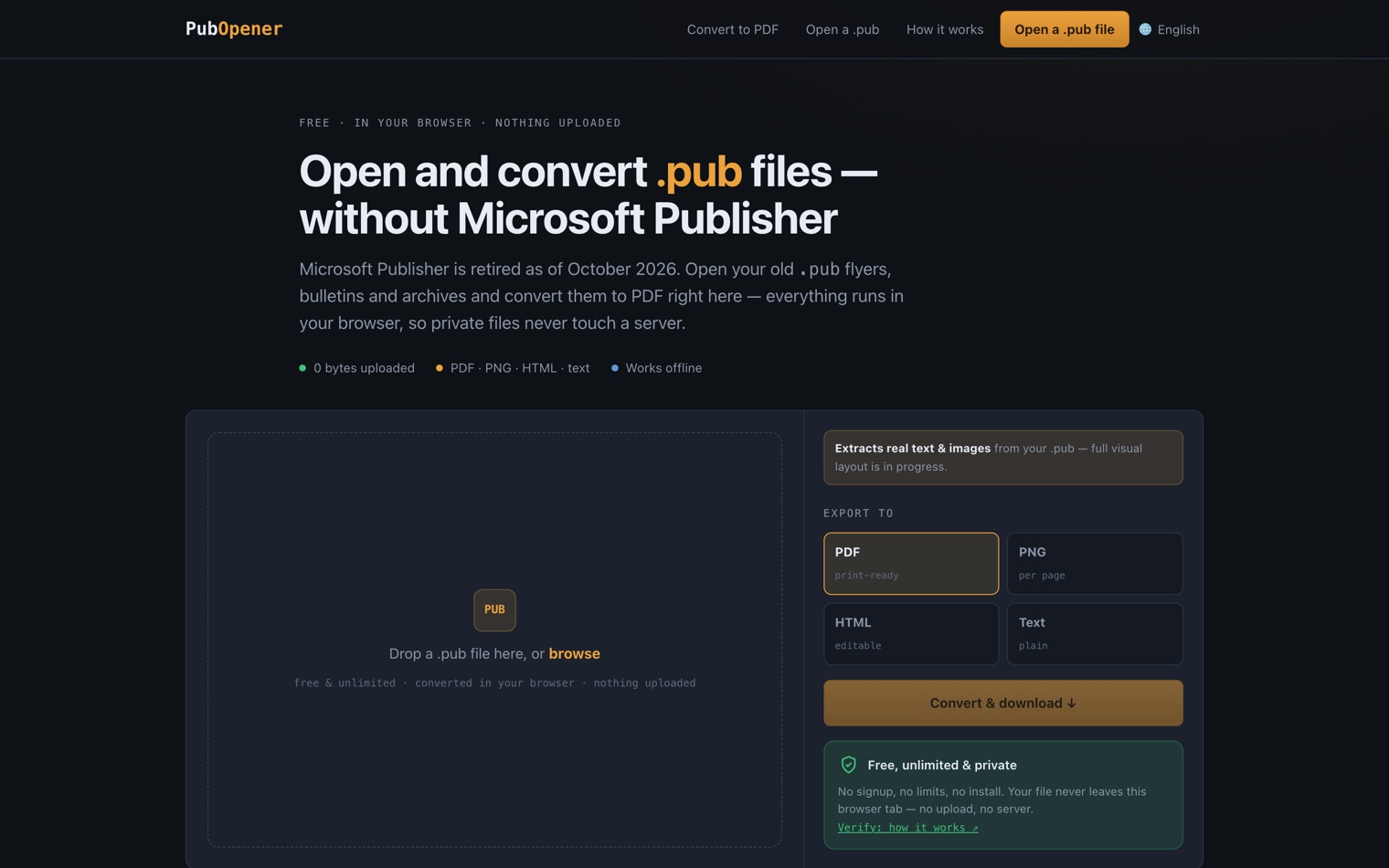
A backend that cannot receive a file
The product has one invariant that everything else is arranged around: the backend has no endpoint capable of receiving a file. Not "we delete uploads promptly" — there is no route to upload to.
That splits the system cleanly. The part that touches documents is a WebAssembly engine running in the visitor's tab, shipped as static files. The part that runs on a server is a thin control plane in Rust handling licence keys and analytics, and it never sees a document because there is no path by which one could arrive.
Written down as a rule it also survives future changes: any pull request that adds an upload route is not a feature with a trade-off, it is a violation of the thing the product is for.
What a .pub file actually is
Publisher never had a published specification the way Word's later formats did. A .pub is a binary container — an OLE compound file, the same "filesystem inside a file" idea Microsoft used across Office for years — holding proprietary streams that describe pages, text frames, images and the drawing objects between them.
That means there is no library to reach for. Every generation of Publisher wrote the format slightly differently, files in the wild were produced by versions spanning two decades, and a document that a person considers "one flyer" may be several nested object stores referring to each other.
Practically, this is why the honest answer about layout fidelity is "in progress". Pulling the text and the images out reliably is achievable and already done; reproducing the exact visual arrangement means reconstructing a page model that nobody documented, and claiming otherwise before it is true would be discovered by the first person who opened a file and compared.
Why WebAssembly
Parsing a Publisher document is real work — a proprietary, undocumented, decades-old binary format with several generations of variation inside it. That kind of parsing wants a systems language, and it has to run where the file already is: in the browser.
WebAssembly is what makes those two requirements compatible. The engine compiles to WASM and runs at close to native speed inside the tab, which is why a large document opens without the round trip to a server that every competing tool needs.
Paid once, not monthly
The free tier converts a few documents a day, which covers the person who found one old file and needs it as a PDF. Beyond that there is a single one-time purchase for unlimited use — delivered as a licence key, with no account and no subscription.
The reasoning is about honesty rather than pricing strategy. This is a tool people need intensely for one afternoon and then never again. Billing them monthly for that would mean profiting from a forgotten cancellation, and the tool works entirely in their browser anyway.
Built for the search that is about to happen
The retirement date creates a wave of people typing the same handful of questions: how to open a .pub without Publisher, how to convert one to PDF, what to do with an old file nothing will read. That wave is the entire market, and it arrives through search.
So the site is several hundred pages: one per question, per language, each linking to the others so no page is orphaned. The footer navigation is generated from the page list rather than hand-maintained, which is what stops a page quietly becoming unreachable when someone adds another.
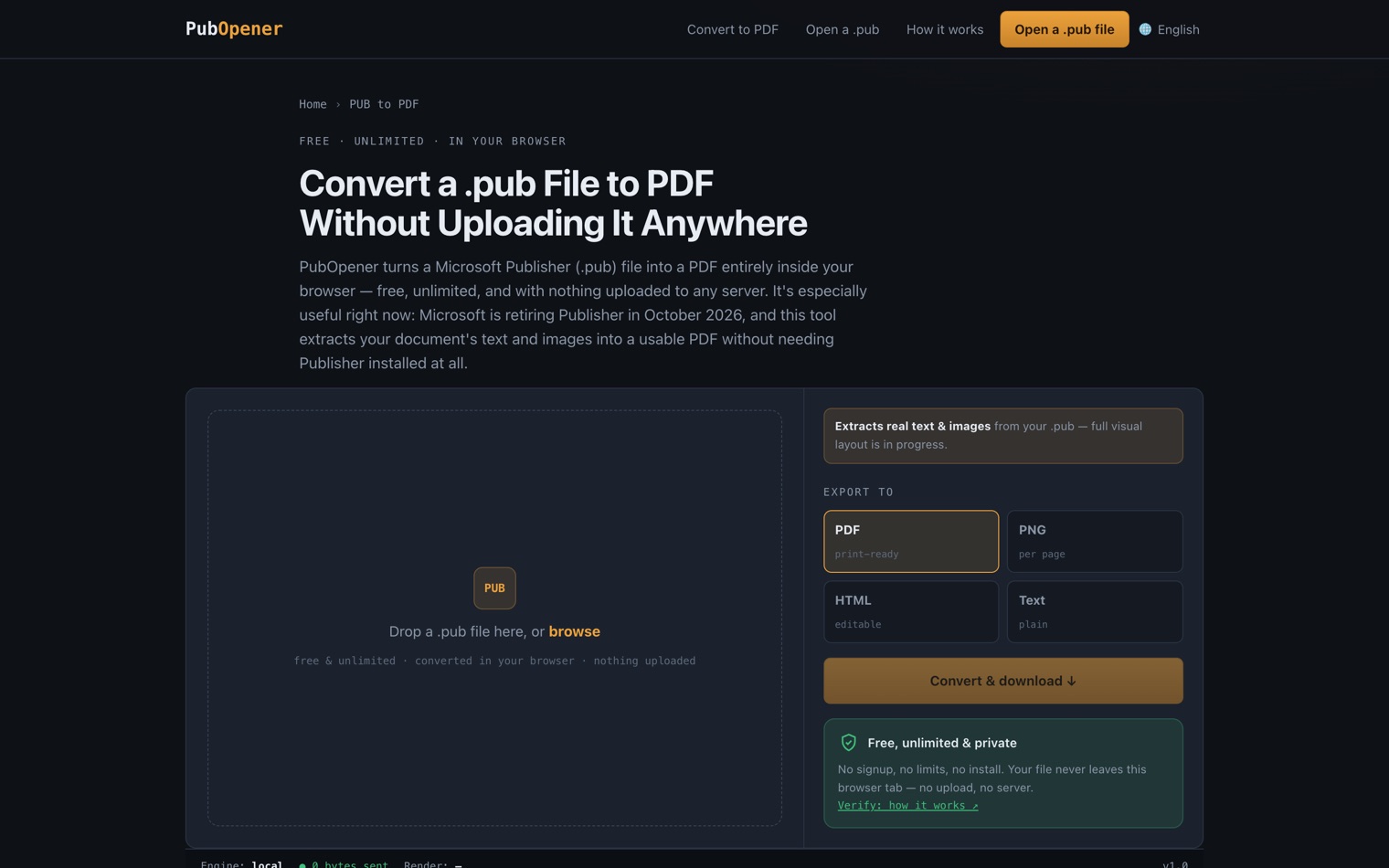
At a glance
- Live at
- pubopener.pro
- Reads
- Microsoft Publisher
.pub - Converts to
- PDF · PNG per page · HTML · plain text
- State
- Text and images extracted; full visual layout in progress
- Front end
- Astro + TypeScript, with a WebAssembly engine in the tab
- Control plane
- Rust + Axum + Postgres — licences and analytics only
- Price
- Free daily tier, one-time unlimited unlock, no subscription
- Why now
- Publisher reaches end of support in October 2026
Questions people actually ask
Is my .pub file uploaded to a server?
No, and not as a policy — the backend has no endpoint that can receive a file. Conversion happens in your browser through a WebAssembly engine.
Do I need Microsoft Publisher installed?
No. That is the point: Publisher is being retired, and PubOpener reads the files without it.
Will it reproduce my layout exactly?
Not yet. It extracts the real text and images from the document; faithful reproduction of the original visual layout is still being built, and the site says so rather than letting you find out afterwards.
Is it a subscription?
No. There is a free daily allowance, and unlimited use is a single one-time purchase delivered as a licence key.
 MSGView
 Complevia
 SignalOps